
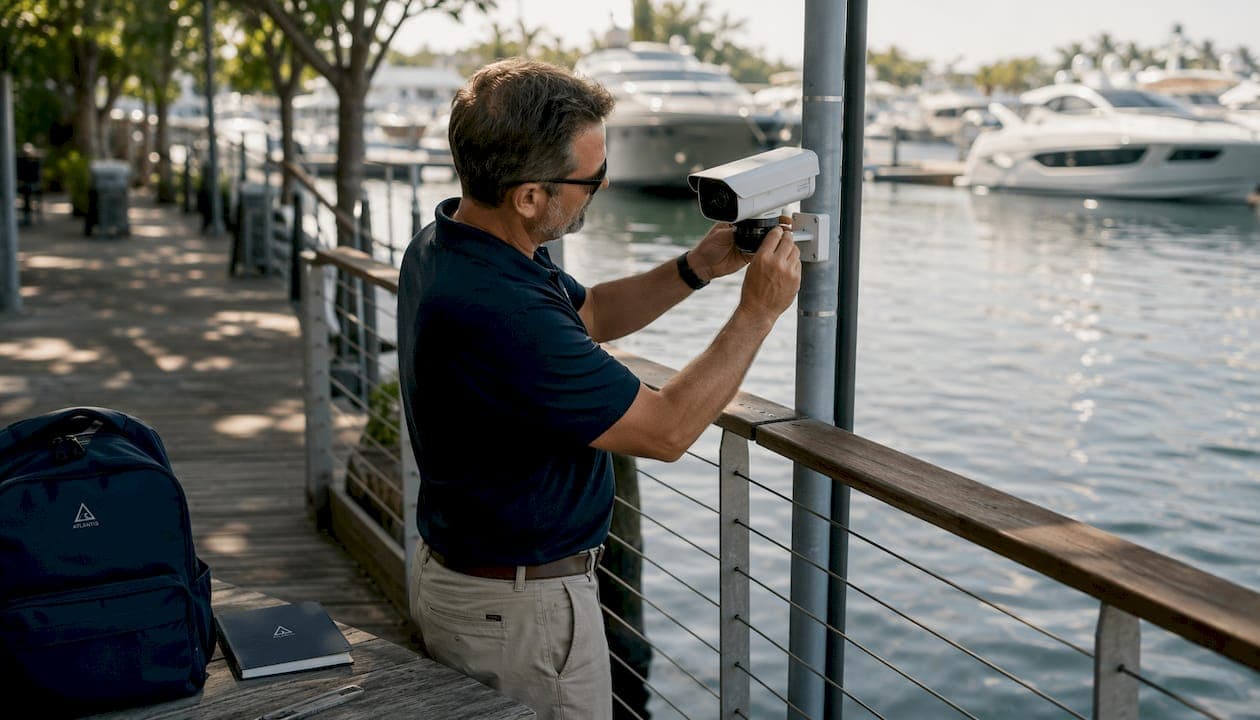
What are Eagle Eye marina cameras and why do they matter?
Eagle Eye marina cameras are AI-powered, cloud-based video surveillance systems built for facilities that need reliable, remote monitoring across docks, lifts, and waterfront areas. The core advantage is straightforward: you get full visibility into your marina from any device, anywhere, without replacing your existing cameras.
Key benefits marina operators gain from Eagle Eye Networks:
- AI-driven alerts that flag abnormal activity without flooding staff with false alarms
- Cloud scalability to add cameras and locations without new hardware investments
- Compatibility with over 7,500 camera models, protecting your existing infrastructure
- End-to-end encryption for video at rest and in transit
- SOC 2 Type 2 compliance, the recognized standard for cloud data security
- Remote access from any phone, tablet, or computer, at any hour
For marina operators managing multiple slips, dry storage, and boat lift areas, this kind of always-on visibility changes how security and operations actually work.
How does the Eagle Eye Cloud VMS work for marina operations?
The Eagle Eye Cloud Video Management System replaces the traditional model of on-site servers, complicated software updates, and hardware-heavy installations. Everything runs in the cloud, so your team manages cameras remotely rather than physically.
- Instant remote access: View live or recorded footage from any computer or mobile device, across all locations simultaneously
- Natural language search: Find a specific event by typing a description, the same way you'd search the web, at no additional cost
- Flexible storage: Choose cloud, on-premises, or hybrid storage depending on your facility's connectivity
- Scalable by design: Add cameras, users, and locations from your phone without calling a technician
- Subscription tiers: Standard for smaller single-location marinas, Pro for mid-sized operations with 10 to 25+ locations, and Enterprise for large multi-property groups with regulatory requirements
| Feature | Standard | Pro | Enterprise |
|---|---|---|---|
| Remote video access | Yes | Yes | Yes |
| Multi-location management | Limited | Yes | Yes |
| AI analytics and smart alerts | Basic | Full | Full |
| License Plate Recognition | Add-on | Add-on | Add-on |
| User permission management | Basic | Advanced | Advanced |
The true cloud architecture also means you always run the latest software version automatically. No manual patches, no scheduled downtime for updates.
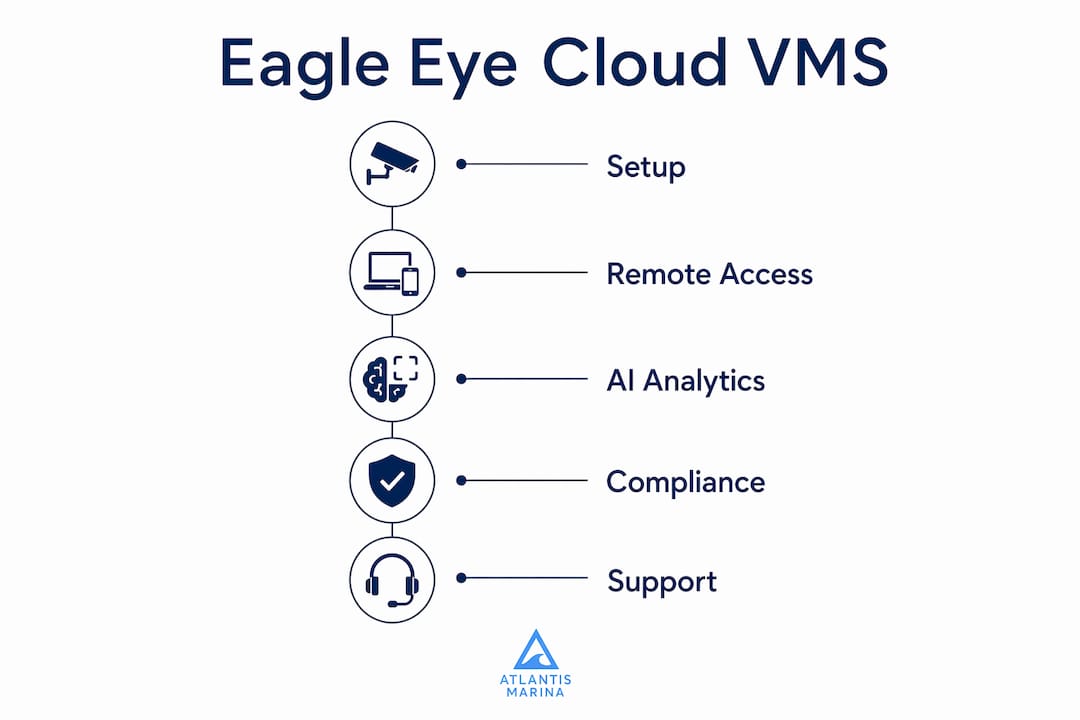
What security and compliance standards protect your marina data?
SOC 2 Type 2 compliance is the benchmark that matters most when a cloud platform handles sensitive client and operational data. Eagle Eye Networks meets this standard, which means an independent auditor has verified that its security controls work consistently over time, not just on paper.
Beyond compliance, the platform's security controls include:
- End-to-end encryption for all video, both stored and in transit
- Two-factor authentication for every user account
- User activity tracking and remote permission management, so you can add or revoke access instantly
- Triple redundancy to keep footage available even if one data center goes offline
- Continuous cybersecurity updates managed by dedicated security professionals
For marinas storing boater contracts, payment records, and vessel information alongside video footage, this level of protection is the right baseline. A breach that exposes client data creates liability that no camera system is worth.
How do Eagle Eye cameras improve marina security and operations?
Waterfront facilities have security challenges that generic commercial camera systems aren't built for: long dock runs, low-light conditions at night, high-value vessels, and staff who can't be everywhere at once. Eagle Eye's AI-powered waterfront camera systems address each of these directly.
- Dock and slip surveillance: Monitor every berth, fuel dock, and access gate continuously, with AI alerts when activity falls outside normal patterns
- Theft and vandalism reduction: Constant recording deters opportunistic theft; footage is immediately available if an incident occurs
- Boat lift monitoring: Watch lift operations remotely to catch mechanical issues or unauthorized use before they become costly problems
- Multi-site visibility: Operators managing more than one facility can view all locations from a single dashboard without switching systems
- Customer service support: When a boater reports a problem, staff can pull footage in seconds rather than spending hours reviewing recordings manually
The AI analytics layer is what separates this from basic motion-triggered recording. Smart alerts distinguish a boat moving in a slip from an actual intrusion, which means your staff responds to real events rather than wind-triggered false alarms.
What does Eagle Eye cost, and which cameras are compatible?
Eagle Eye uses a low monthly subscription model that scales by usage, so you pay for the cameras and features you actually use rather than buying a fixed system upfront. License Plate Recognition is an upgraded add-on above the standard subscription, useful for marinas with gated entry or fuel dock access control.
Compatible camera types and considerations:
- ONVIF-conformant cameras from virtually any manufacturer work with the platform
- Eagle Eye's own camera line includes bullet, dome, turret, fisheye, PTZ, and panoramic models ranging from 4 MP to 20 MP
- Existing cameras from leading manufacturers can connect without replacement, protecting prior investment
- Plug-and-play installation is available when purchasing Eagle Eye's branded cameras directly
Pro Tip: Before purchasing new hardware, audit your existing cameras for ONVIF conformance. Most cameras installed in the last several years qualify, which means you may be able to deploy cloud video surveillance without spending anything on new equipment.
For budgeting, the biggest cost variable is the number of cameras and the retention period you choose. Longer retention and higher resolution cost more in cloud storage. Starting with a shorter retention window and extending it after evaluating actual usage is a practical way to control first-year costs.

What are the legal rules for marina camera placement?
Camera placement at marinas sits at the intersection of federal privacy law, state statutes, and local ordinances, and the rules vary by state. The general framework is consistent: cameras are legal in public-facing areas like docks, parking lots, and fuel stations, but they cannot be directed into spaces where people have a reasonable expectation of privacy, such as restrooms or private cabin interiors.
Best practices for legally sound marina surveillance:
- Post visible signage at all marina entry points stating that video surveillance is in use
- Avoid angles that capture neighboring properties or residential areas beyond your facility boundary
- Limit recording in private spaces such as shower facilities, changing rooms, or enclosed vessel interiors
- Retain footage only as long as operationally necessary, then delete per a documented policy
- Consult local counsel before installing cameras in states with stricter biometric or audio recording laws, such as California or Illinois
Compliance with placement rules also protects the marina from liability if footage is ever subpoenaed or challenged in court. A well-documented camera policy, combined with proper signage, is standard practice for any professionally managed waterfront facility.
How does Eagle Eye integrate with marina management platforms like Atlantis Marina?
Camera security works best when it connects directly to the rest of your operations, not as a standalone system you check separately. Atlantis Marina's camera security integrations link video feeds with operational workflows, so a camera alert can trigger a staff notification, log an event in the reservation system, or flag a vessel record automatically.
- Unified dashboard: View camera feeds alongside slip assignments, billing status, and maintenance logs in one place
- Mobile alerts: Receive push notifications tied to specific cameras or zones when AI detects an event
- Remote diagnostics: Check boat lift status and camera feeds simultaneously during off-hours without driving to the facility
- Permission management: Grant dockmasters access to relevant cameras only, keeping sensitive feeds restricted to management
- Maintenance logging: Link camera alerts to work orders so incidents automatically generate a service record
Pro Tip: When configuring camera zones in Eagle Eye, align them with your Atlantis Marina slip map. That way, an alert from Dock B, Slip 14 pulls up the correct vessel record and boater contact instantly, cutting response time significantly.
For a detailed walkthrough of connecting camera systems to marina operations, the camera integration guide covers the full setup process step by step.
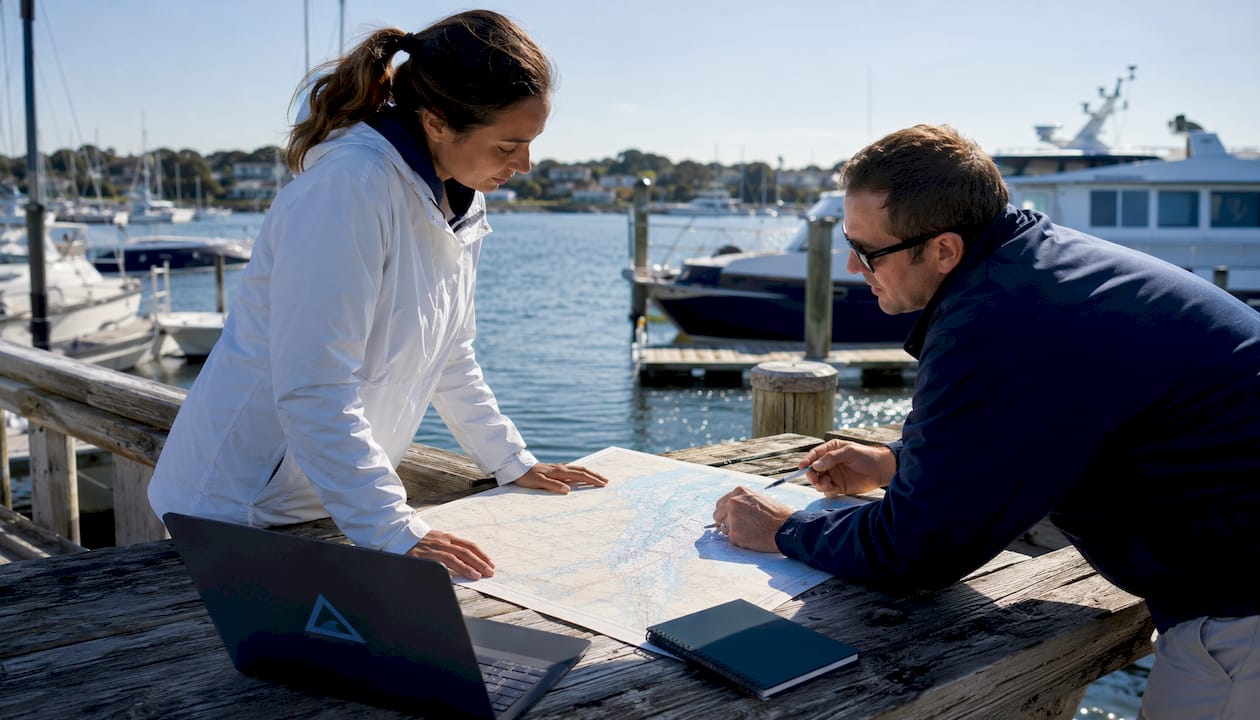
What does installation actually require for Eagle Eye at a marina?
Installation is simpler than most marina operators expect, primarily because Eagle Eye's cloud architecture eliminates the need for on-site servers or dedicated recording hardware. The core requirements are a stable internet connection at the facility, compatible cameras (ONVIF-conformant or Eagle Eye branded), and a bridge device that connects cameras to the cloud platform.
For facilities with existing cameras, the process typically involves installing an Eagle Eye bridge, connecting it to the local network, and adding cameras through the cloud dashboard. New Eagle Eye cameras offer plug-and-play setup that reduces configuration time further. Marinas with multiple buildings or long dock runs may need network switches or wireless access points to extend coverage, which is the most common installation variable.
What does the Eagle Eye user interface look like for remote monitoring?
The Eagle Eye interface is browser-based and mobile-ready, meaning there is no software to install on individual computers. Operators log in from any device and see a live grid of all camera feeds, with the ability to click into any individual camera for full-screen viewing, playback, or clip sharing.
The Smart Video Search feature lets you type a description of what you're looking for, such as "red truck near fuel dock after 10 PM," and the AI returns relevant clips across all cameras and locations. Sharing a clip with law enforcement or an insurance adjuster takes a few clicks and generates a secure link rather than requiring a USB drive or physical handoff.
What customer support does Eagle Eye Networks provide?
Eagle Eye Networks offers 24/7 global support with live agents available around the clock, not a ticketing queue. For marina operators dealing with a security incident at 2 AM, that direct access to a real person is the difference between resolving the situation quickly and waiting until business hours.
The platform also delivers continuous feature updates and AI enhancements automatically through the cloud, so support is proactive rather than reactive. Operators don't need to schedule maintenance windows or manage software versions manually.
Key Takeaways
Eagle Eye marina cameras deliver AI-powered cloud video surveillance that protects waterfront facilities, works with existing cameras, and integrates with marina management platforms for unified operational control.
| Point | Details |
|---|---|
| Broad camera compatibility | Eagle Eye works with over 7,500 camera models, so most marinas avoid full hardware replacement. |
| SOC 2 Type 2 compliance | End-to-end encryption and independent auditing protect sensitive boater and operational data. |
| AI-powered search and alerts | Natural language video search and smart alerts reduce false alarms and speed up incident response. |
| Subscription pricing | Low monthly costs scale by usage, making the system accessible for single-location and multi-site operators alike. |
| Platform integration | Linking Eagle Eye with Atlantis Marina connects camera alerts directly to slip records, billing, and maintenance workflows. |
FAQ
How much does an Eagle Eye camera system cost?
Eagle Eye uses a low monthly subscription model where you pay only for the cameras and features you use. License Plate Recognition is an add-on above the standard subscription tier.
What cameras are compatible with Eagle Eye Networks?
Eagle Eye works with over 7,500 camera models, including virtually any ONVIF-conformant camera from leading manufacturers, so most existing marina cameras qualify without replacement.
Does Eagle Eye make its own cameras?
Yes. Eagle Eye offers a branded camera line including bullet, dome, turret, fisheye, PTZ, and panoramic models, all rated for indoor and outdoor use and designed for plug-and-play setup with the cloud platform.
Is it legal to point a security camera toward a neighboring property?
Cameras must stay within your property boundary and cannot capture areas where neighbors have a reasonable expectation of privacy. Posting visible signage and consulting local legal counsel before installation is the standard practice for marina operators.
How does Eagle Eye integrate with marina management software?
Atlantis Marina's camera security platform connects Eagle Eye feeds with slip assignments, vessel records, and maintenance logs, so camera alerts trigger operational responses automatically rather than sitting in a separate system.