
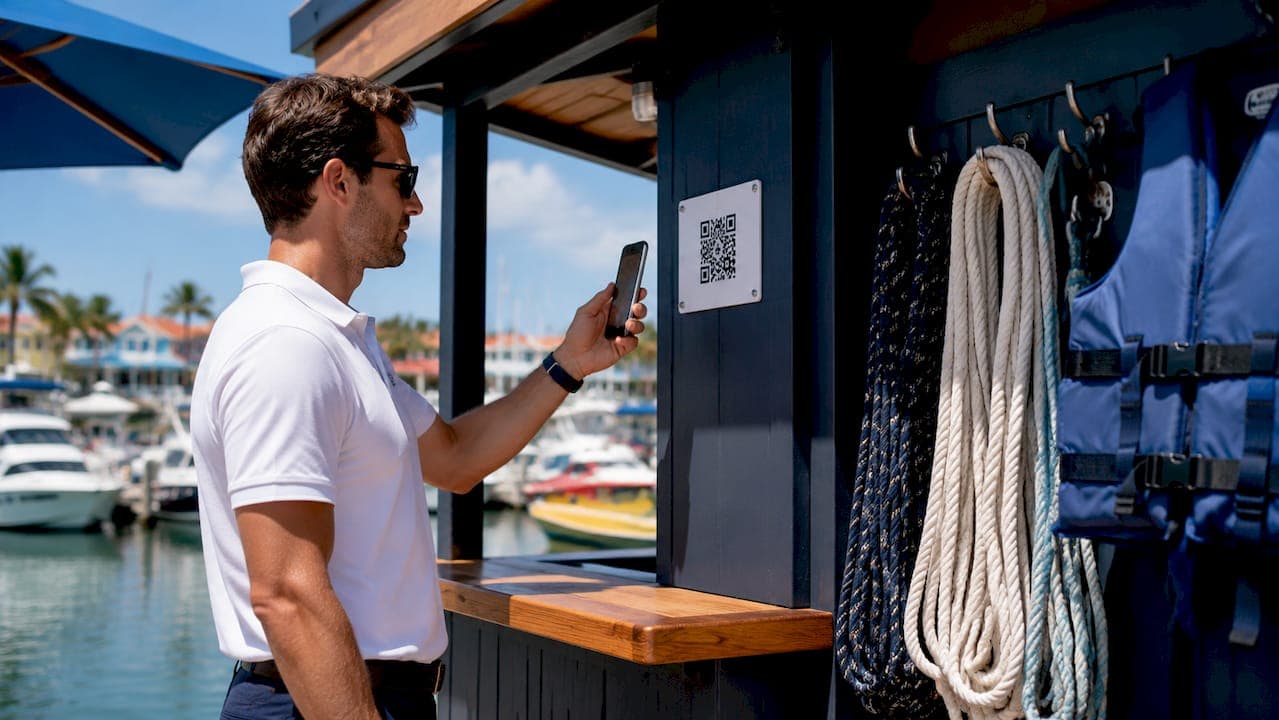
Marina QR code check-in replaces paper sign-in sheets and clipboard manifests with a digital workflow that registers guests and vessels much faster than traditional paper methods, which typically take several minutes per guest at the dock. A QR scan routes boaters directly to a mobile form, captures timestamped data, and pushes it to cloud storage automatically. The result is a faster dock, a cleaner audit trail, and a check-in record that is searchable the moment it is created. Key advantages at a glance:
- Speed: Guests complete sign-in on their phones before they even reach the dock.
- Accuracy: Typed entries eliminate the illegible handwriting problem that plagues paper logs.
- Compliance: Timestamped records satisfy regulatory audit requirements without extra staff effort.
- Walk-up ready: Any guest can scan a dockside code and complete the full flow from any phone, no app download required.
- Pre-arrival option: Send a link by email or SMS so boaters sign before they arrive.
What does QR code check-in actually do for your marina?
The operational benefits go well beyond saving a few minutes per guest. When every check-in is digital, the gains compound across your entire season.
- Reduced dock congestion: Guests who pre-sign arrive ready to board, so the dock clears faster during peak departure windows.
- Real-time manifests: QR scanning identifies no-shows and walk-ups instantly, generating a passenger manifest that meets NOAA compliance requirements without any manual assembly.
- Insurance claim support: Digital waivers create searchable, immutable chain-of-custody records and allow an evidence pack to be exported in seconds, compared to paper files that are often missing or illegible when a claim arises.
- Better guest reviews: Guests who engage with digital equipment instructions at their own pace retain more information and report higher satisfaction than those who receive face-to-face briefings under time pressure.
- Cost savings: Eliminating paper, printing, physical storage, and the staff time spent filing and retrieving forms reduces overhead across every check-in event.
Operational note: A digital check-in record is not just a convenience. It is a timestamped, cloud-stored document that holds up in court, satisfies an insurance adjuster, and answers a regulator's question in seconds.
How to implement marina QR code check-in step by step
Getting a marina digital check-in system live does not require a full IT project. Follow these steps in order and most marinas can go from paper to digital within a week.
- Audit your current check-in workflow. Walk the dock during a busy departure and note every point where guests wait, staff search for paperwork, or information gets recorded twice. Those are your bottlenecks.
- Choose a mobile web form approach. Select a platform that delivers check-in through a browser link, not an app download. App installs cause abandonment, especially with walk-up guests who are already at the dock.
- Build your digital form. Include vessel details, guest identification, liability waiver language, and any marina-specific safety acknowledgments. Keep it under two minutes to complete.
- Generate QR codes and print weatherproof signage. Place codes at every high-traffic entry point: dock gates, fueling stations, the ship store entrance, and the harbormaster office. Laminated or aluminum-faced signs hold up in marine environments.
- Connect the form to your marina management software. This is the step most marinas skip, and it is the one that matters most. Without integration, a QR code is just a digital clipboard. With it, every scan updates reservations, billing status, and vessel records in real time.
- Equip staff with mobile scanning devices. A standard smartphone camera works. Train dockmasters to pull up a guest's full record on scan, not just confirm a name.
- Run an end-to-end test before going live. Have a staff member complete the full guest flow, from scanning the code to seeing the record appear in your management dashboard. Fix any friction points before guests encounter them.
- Communicate the process to guests in advance. Send a pre-arrival message explaining how to scan and sign. Guests who know what to expect complete check-in faster and with fewer questions at the dock.
Best practices that separate good QR check-in from great
Deploying QR codes is the easy part. Getting consistent, high-quality results takes a few deliberate choices.
- Weatherproof every sign. Marine environments are hard on paper and standard laminate. Use aluminum-faced or UV-coated signs rated for outdoor exposure.
- Keep the landing page app-free. App downloads cause abandonment in walk-up scenarios. A mobile web form that opens directly in the phone's browser removes that barrier entirely.
- Extend QR codes beyond check-in. Link codes to digital vessel briefings that include floorplan overlays, photo instructions, and short tutorial videos. Digitized vessel briefings reduce post-departure support calls and produce more consistent safety briefings than face-to-face walkthroughs.
- Give dockmasters instant data on scan. The most effective QR workflows surface vessel details, reservation status, and billing information on the dockmaster's phone the moment a code is scanned. That turns check-in from a name-check into a full operational touchpoint.
- Send a confirmation automatically. A PDF summary emailed to the guest after check-in closes the loop and gives them a record they can reference during their stay.
- Review your data weekly. Check-in timestamps, completion rates, and abandonment points tell you where the process still has friction.
Pro Tip: Link your dockside QR codes to a digital checklist with photos mapped to the vessel's floorplan. Guests who can see exactly where safety equipment is located ask fewer questions and depart with more confidence, which also reduces liability exposure.
How should you protect guest data in a QR check-in system?
Security and privacy are not optional considerations when you collect guest names, vessel registration details, and signed waivers digitally. Marina operators have real obligations here, and the right platform handles most of them automatically.
Guest data collected through mobile QR check-in should be encrypted in transit and at rest. Cloud storage providers that comply with SOC 2 Type II standards offer the level of protection appropriate for personally identifiable information. Access to check-in records should be role-based, meaning dock staff see what they need for verification while billing and management data stays restricted to authorized users.
Privacy disclosures matter too. Your check-in form should include a plain-language statement explaining what data you collect, how long you retain it, and who can access it. Many states have adopted data privacy laws that apply to businesses collecting consumer information digitally, so a brief review with your marina's legal counsel before launch is worth the time. Retention policies are equally important: keeping waiver records long enough to cover your statute of limitations for liability claims, but not indefinitely, is the standard most marina attorneys recommend.
What happens when the QR system has a technical problem?
Every digital system will have an off day. The marinas that handle it well are the ones that planned for it.

Keep a printed backup process ready. A short paper form and a clipboard at the dock office means a scanner outage or a guest's dead phone battery does not stop boarding. Train every dock staff member on the backup so it runs without a manager present.
For guests who struggle with the scan, a direct URL typed into a browser achieves the same result. Post that URL alongside the QR code on your signage. Staff should also know how to pull up a guest's pre-signed record manually in the management dashboard, so a phone issue on the guest's end does not create a delay for everyone behind them.
Connectivity is the most common failure point in marina environments. If your dock has weak cell coverage, a local Wi-Fi network with a simple password posted on the signage solves the problem for most guests. Test your signal at the actual scan points, not just the dock office.
What does QR check-in cost, and how do you budget for it?
The cost structure for marina digital check-in breaks into three categories: software, hardware, and signage.
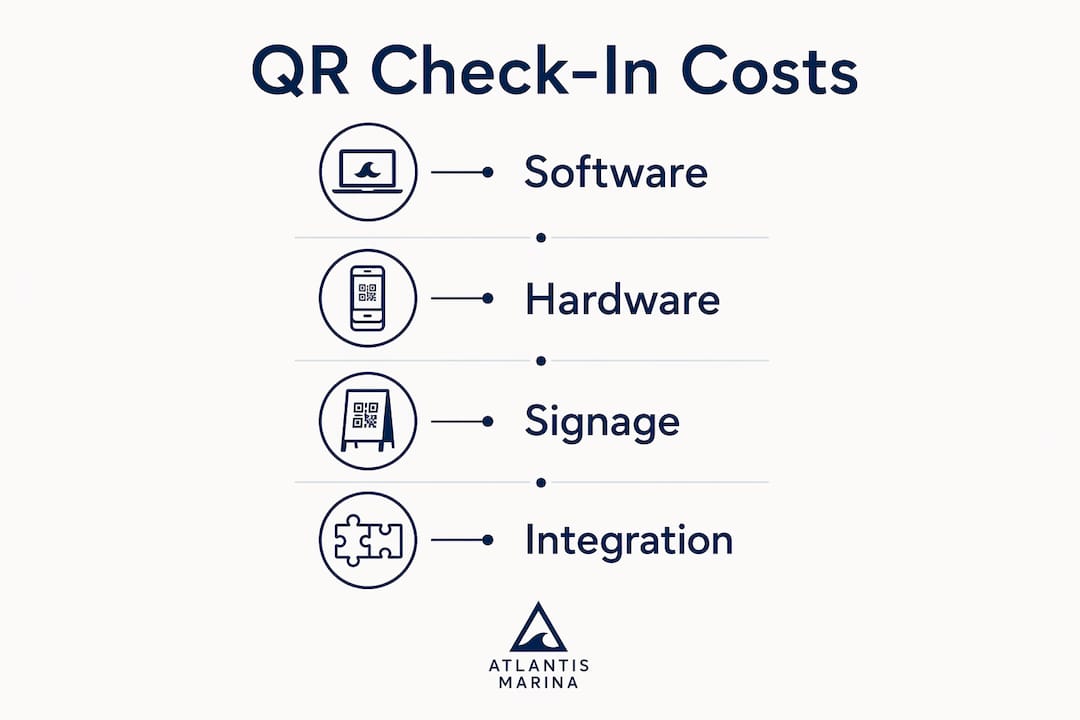
Software platforms that include QR waiver workflows typically charge on a subscription basis. Entry-level plans suited for smaller operations or pilot programs start at the low end of the market, while full-featured platforms with management software integration carry higher monthly fees. The offset is immediate: paper, printing, physical storage, and the staff hours spent on manual filing disappear from your budget.
Hardware costs are minimal if your staff already carries smartphones. A dedicated tablet mounted at the dock gate adds convenience for walk-up guests and costs less than a season's worth of paper forms and printer ink. Weatherproof QR signage, whether laminated or aluminum-faced, runs a modest one-time cost per location and lasts multiple seasons.
The real budget question is integration. A standalone QR waiver tool costs less upfront but requires manual data transfer to your reservation and billing systems. A platform that connects marina billing and check-in in one system costs more monthly but eliminates the double-entry labor that standalone tools create. For most marinas running more than a few dozen check-ins per week, the integrated approach pays for itself quickly in staff time alone.
Atlantis Marina brings QR check-in into a fully connected operation
Atlantis Marina delivers QR code workflows as part of a cloud-hosted platform that connects check-in directly to reservations, billing, vessel records, and smart marine hardware. When a boater scans their account QR code, dock staff instantly see the guest's reservation status, billing account, vessel details, and signed documents without any manual search.
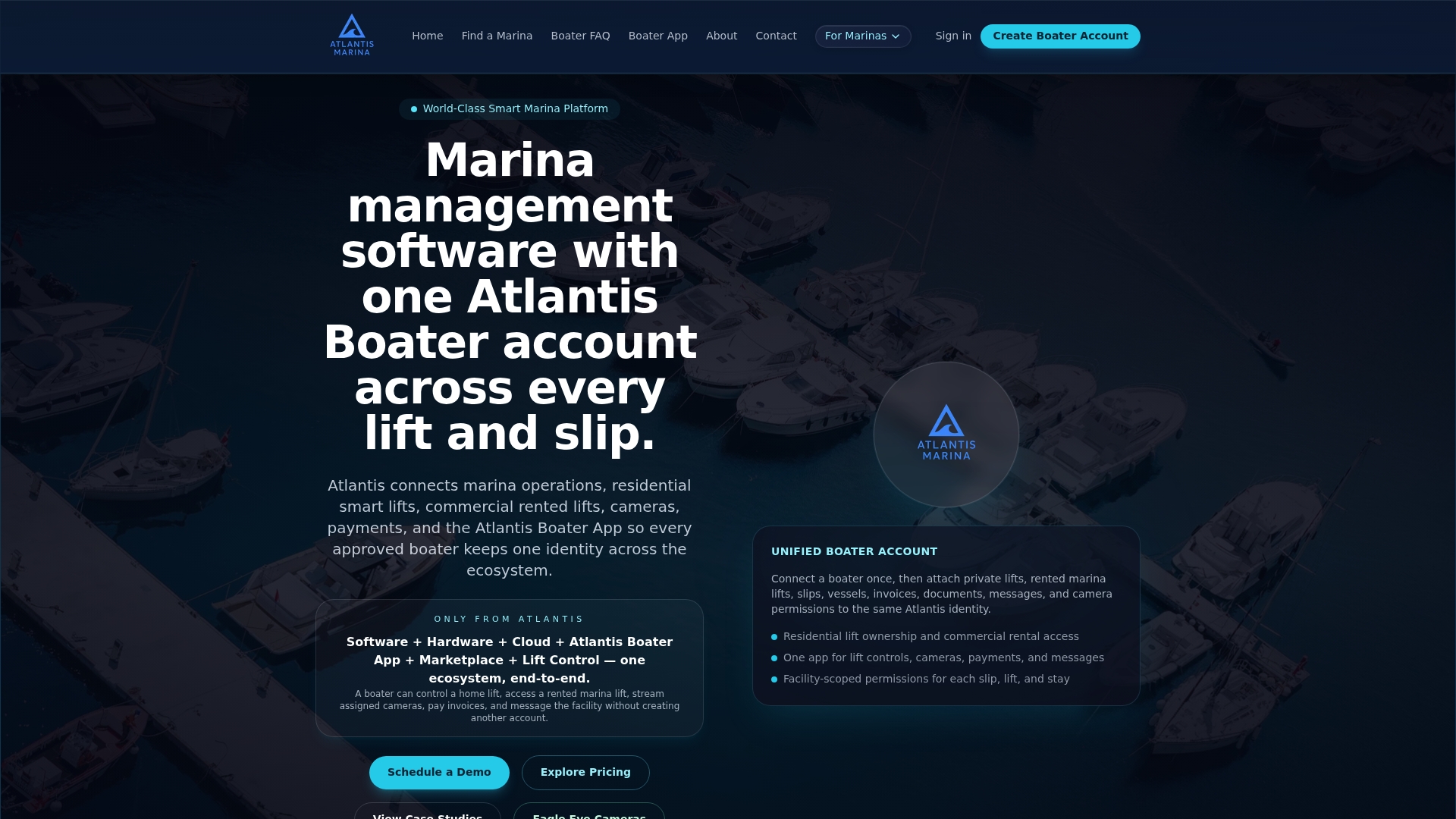
The Atlantis Boater App gives guests a digital pass they carry across every marina in the Atlantis Marina Network, so returning boaters check in with a single scan. Atlantis Bot, the platform's built-in AI assistant, handles routine boater questions on your marina website and supports staff with operational tasks, from reservation lookups to ship store restocking. For marinas that also manage dry stack or boat lift operations, Atlantis Marina connects smart lift control and sensor-based security into the same dashboard. One platform, one login, and every guest interaction tied to a complete operational record. See the full platform at Atlantis Marina.
Key Takeaways
QR code check-in cuts marina guest sign-in time dramatically compared to paper methods while creating audit-ready digital records that support compliance, insurance claims, and better guest experiences.
| Point | Details |
|---|---|
| Speed advantage | Digital QR check-in completes in under 2 minutes versus 3–5 minutes for paper dock sign-in. |
| Compliance and insurance | Timestamped cloud records satisfy NOAA manifest requirements and produce evidence packs for insurance claims in seconds. |
| Guest satisfaction | Guests who engage with digital briefings at their own pace report higher satisfaction than those receiving face-to-face walkthroughs. |
| Implementation priority | Weatherproof signage, app-free mobile forms, and management software integration are the three non-negotiable setup elements. |
| Atlantis Marina | Connects QR check-in to reservations, billing, vessel records, and smart hardware in one cloud-hosted platform. |
FAQ
How fast is QR code check-in compared to paper?
Digital QR check-in completes in under 2 minutes, compared to 3–5 minutes for traditional paper dock sign-in. Guests who pre-sign before arrival clear the dock even faster.
Do guests need to download an app to use marina QR check-in?
No. The best marina digital check-in systems open directly in the phone's browser after a scan, with no app download required. This is especially important for walk-up guests who arrive without prior notice.
How does QR check-in help with NOAA compliance?
QR scanning generates a real-time passenger manifest automatically, so operators can produce a complete, accurate passenger list for NOAA compliance at any point during boarding without assembling paper records.
What data security standards should a marina QR check-in system meet?
Guest data should be encrypted in transit and at rest, with role-based access controls limiting who can view personal and billing information. SOC 2 Type II compliance from your cloud provider is the appropriate benchmark for marina operations.
Can Atlantis Marina handle QR check-in alongside billing and reservations?
Yes. Atlantis Marina's QR code workflows connect each scan directly to the guest's reservation, billing account, and vessel record, so dock staff verify and act on complete information from a single mobile screen.