
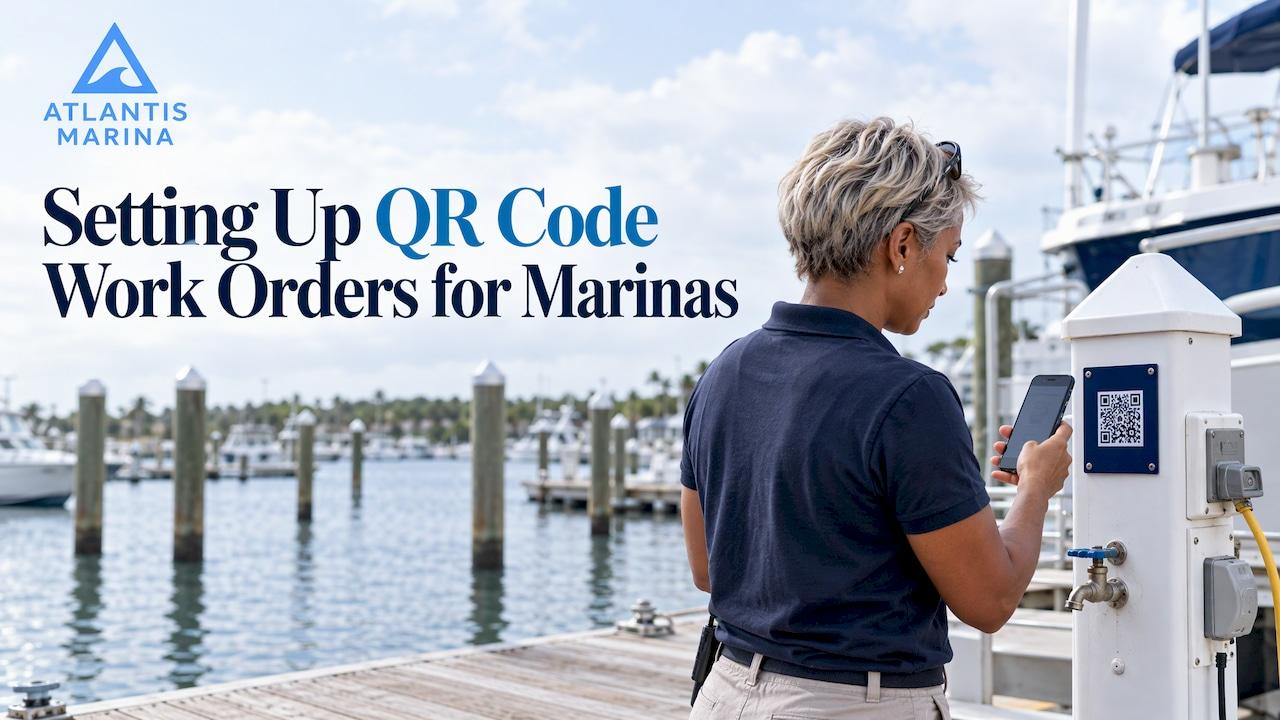
A QR code work order turns a scan at the dock into a tracked maintenance job. The code sits on a slip, pedestal, boat lift or fuel dock, and scanning it opens a short request already tied to that asset. Nobody has to remember who to tell, and nothing lives on a sticky note. The part that decides whether it works is what happens after the scan: who sees it, how it is prioritized and where the finished job is recorded. That is why we recommend running QR requests inside the same system that holds your vessel records, billing and lift controls, rather than in a standalone form.
TL;DR
- Put one unique QR code on each asset (slip, pedestal, lift, fuel dock, gate) so the scan fills in the location for the reporter.
- Keep the request form to a short description, a photo and an urgency level. Longer forms get abandoned at the dock.
- Let anyone submit, but keep approval, assignment and closing inside your staff system.
- Use marine-grade labels, mount them above the splash line and check them on every dock walk.
- Close the loop: every job should end with who did the work, when, what was done and an after photo.
Table of Contents
- How a QR code work order works at a marina
- Why QR requests beat phone calls and notes
- Which assets to tag first
- What the request form should collect
- Review, route and prioritize
- Keep submission open and control closed
- Labels that survive the waterfront
- Records that stand up later
- Account QR codes and the ship store
- Rolling it out to staff and boaters
- Run QR work orders on one platform
- FAQ
- Sources
How a QR code work order works at a marina
The flow is the same at a 40-slip yacht club and a multi-property group:
- Tag the asset. Each pedestal, slip, lift or piece of equipment gets its own code.
- Scan. A boater, tenant, staff member or vendor scans with a phone camera. No app download is needed to report a problem.
- Describe. The form opens with the asset and location already filled in. The reporter adds a sentence and a photo.
- Review. The request lands in a queue. A dockmaster or manager confirms the asset and priority, removes duplicates and converts it into a work order.
- Assign and complete. A technician gets the job with the original description and photo, does the work and closes it with notes and an after photo.
- Record. The job stays on the asset's history, so the next person who scans sees what has happened before.
This is the same request-to-completion cycle that work order automation for marinas follows, carried through to the invoice when the job is billable. The QR code is only the front door. Value comes from the structure behind it.
Why QR requests beat phone calls and notes
Most marinas have the same gap: a boater notices a loose dock cleat or a dead pedestal outlet and has no obvious way to report it. They tell whoever they pass, or they tell nobody. By the time the dockmaster hears, details are lost: which slip, which finger pier, how bad.
A code on the asset fixes the three things that go wrong with informal reporting:
- Location. The scan identifies the exact asset, so staff are not hunting for "the pedestal by the end of C dock."
- Evidence. A photo arrives with the report, so the technician knows which tools and parts to bring.
- Accountability. Each request has a timestamp, a status and an owner, so nothing quietly disappears.
It also changes who reports. Seasonal tenants, transient boaters, contractors and your own staff on a dock walk can all file from the same code, as part of a wider maintenance request portal rather than a mix of texts and emails.
Which assets to tag first
Start where failures cost you the most or where boaters notice them first.
| Asset | What the code should open | Typical request |
|---|---|---|
| Slip or berth | Slip request, pre-filled with slip number | Cleat loose, dock board damaged, fender missing |
| Power and water pedestal | Pedestal report | Breaker tripped, no water, damaged outlet |
| Boat lift | Lift report tied to that lift | Slow hoist, unusual noise, remote not responding |
| Fuel dock | Fuel dock report | Nozzle damage, spill, pump fault |
| Gates and restrooms | Facility report | Lock failure, lighting out, cleaning |
| Dry stack racks | Rack or bay report | Damaged rack, forklift hazard |
Do not try to tag every asset in one week. Tag a dock, run it for two weeks, adjust the form, then roll out to the rest. For a lift, a code works best alongside remote monitoring and mobile alerts, so a scan from a person and an alert from a device can end up in the same queue. Atlantis supports smart boat lift controllers, remote monitoring and mobile alerts, which keeps lift faults and lift requests together.
What the request form should collect
The biggest mistake is building a form that looks like an incident report. A person standing on a dock in wind with a phone will not fill in twelve fields.
Collect only:
- A one to three sentence description.
- A photo. Encourage it, but do not require it, since a missing photo should not block a report.
- An urgency level. Three options are enough: normal, urgent and safety emergency.
- Optional contact details so the reporter can be told when it is fixed.
Everything else, including asset ID, slip number and location, should come from the code itself. For a boater who holds a slip contract, the account and vessel can be matched to the slip on your side, so they do not retype it.
A safety emergency option should do more than change a label. It should alert a person immediately. A fuel spill, exposed wiring on a pedestal or a failed gate latch is not a ticket to be looked at tomorrow. Put a line on the form and on the sign for anything life-threatening: call the marina's emergency number or 911 first, then report.
Review, route and prioritize
A scan is evidence of a need, not an automatic instruction to a technician. Treat the submission queue as an inbox with a human on it, at least until you trust your volume.
A workable routine for the dockmaster or manager:
- Triage daily, and several times a day in season. Remove spam and duplicates, confirm the asset.
- Set priority. A common ladder is same-day for emergencies, one to three days for urgent, one to two weeks for routine and the next preventive cycle for planned work. Adjust it to your staffing.
- Assign by skill and location. Electrical goes to the electrician, lift issues to the lift technician, dock carpentry to the dock crew.
- Watch for repeats. If the same pedestal generates two reports in a short span, it is probably not a one-off. Move it into preventive scheduling.
- Escalate overdue jobs so an urgent request cannot sit unnoticed.
The repeat-report step is where QR data pays off. When requests accumulate on the asset record, you can see which docks, lifts or pedestals cost you the most and plan accordingly. Preventive maintenance scheduling for marinas shows how to turn that history into a calendar, and marina task management workflows cover how to keep daily jobs visible to the whole crew.
Keep submission open and control closed
A good setup has two layers. The submission layer is open: anyone with the code can report without a login, so a visiting vendor or a transient boater is not blocked. The control layer is closed: only authenticated staff can approve, assign, edit costs or see internal notes.
That split has security consequences you should plan for:
- The public page should show only the form, never the asset's internal service history, costs or other people's reports.
- Use opaque identifiers in the code's link, not sequential numbers someone could guess.
- Limit what personal data you collect and decide how long you keep it.
- Add bot protection and limit uploads to image files of a reasonable size.
Physical tampering is a real risk too. The FTC has warned that scammers place their own QR codes over legitimate ones, for example on parking meters. A code that leads to a payment page is a target. Use tamper-evident labels, check them on dock walks and make sure the address your code opens matches your own marina domain.
Labels that survive the waterfront
A code that cannot be scanned is worse than none, because it teaches people to stop trying. Salt, sun, fuel and abrasion are the enemies.
- Material. Use marine-grade polyester or vinyl with a UV-resistant laminate, or an engraved plate for permanent fixtures. Stainless steel hardware is the usual answer for fasteners and plates near salt water, and the case for 316 stainless steel in coastal corrosion applies to label mounts as much as locks.
- Size. If people scan from a standing position or from a boat at the dock, make the code large, roughly 4 inches square, with high contrast.
- Error correction. Generate codes with a high error correction level so scuffs and glare do not stop the scan.
- Position. Mount flat, above the splash line, away from hinges and walking surfaces, at a height you can scan without crouching. Use the same position on identical assets so people learn where to look.
- Text. Print the slip or asset number in plain characters beside the code, so a person with a bad signal can still report by phone.
- Keep pages light. Dock signal can be weak, so a form that loads fast matters more than a pretty one.
A QR code does not replace required safety signage. Anything mandated must stay printed on the sign itself, with the code as an extra.
Check labels on every dock walk. If you already run one, a dock walk checklist with QR, photo evidence and auto work orders makes label condition one of the items, so a faded code generates its own work order.
Records that stand up later
The step marinas skip most is closing the job properly. A work order marked "done" with no detail is a liability if the same pedestal or lift later causes an injury or an insurance claim. Each closed job should show who did the work, when, what was done and, where it applies, a photo of the corrected condition.

That discipline also makes your asset history useful. Complete repair records are the basis for planning, whether you maintain a small dock or a commercial fleet, as maintenance tracking and repair history on vessels shows in a port setting. Documents attached to the same account, such as warranties, inspection reports and contractor insurance, belong with the job. Our guide to marina document management covers how to keep them findable.
Account QR codes and the ship store
Two other QR uses come up often once the dock is tagged.
Account QR codes. A code tied to a boater's account lets staff identify the member quickly at a gate, fuel dock or ship store counter, and lets the boater get to their own reservations, documents and payments without a password hunt. Atlantis gives each boater one account that travels with them across the Atlantis Marina Network, and the QR scan pass and QR payment workflows describe how scan passes and payments work in practice. For arrivals, see our marina QR code check-in guide.
Ship store. A code at the pedestal or the dock office can send a boater to a page to order supplies before departure. If card details are entered, the page should run on your own branded HTTPS address so boaters recognize it. Our ship store POS keeps those sales in the same system as slip billing and customer accounts, so a charge lands on the right account.
Rolling it out to staff and boaters
A short training routine is enough:
- Show the shortcut. Demonstrate a scan and a report in under a minute.
- Practice on real assets. Have each crew member file a test request on a real pedestal.
- Close the loop visibly. When a reported problem is fixed, tell the reporter. People keep reporting when they see results.
- Review monthly. Check label locations, form length and which assets generate the most requests.
Tell boaters in the welcome packet, the newsletter and the dock signs. Say what to scan for, what happens next and when to call instead.
Our perspective
A QR code on a dock is easy. The hard part is what it connects to. When a scan lands in a separate form tool, someone retypes it into the work order, someone else checks the customer in another screen and the lift controller reports its fault somewhere else again.
We built Atlantis Marina as one cloud platform for the marina's daily operations: slip assignments, vessel records, customer accounts, documents, billing, service appointments, facility maps, ship store POS and connected infrastructure, including smart boat lift controllers. A request that arrives by scan sits beside the vessel record and the account, and staff do not have to reconcile separate systems.
Atlantis Bot, our built-in assistant, helps staff with daily operations using safe, staff-confirmed actions, so a person stays in control of what gets done. Our view is that the marinas that benefit most from QR work orders are the ones that treat the scan as the start of a record, not the end of a conversation.
John R
Run QR work orders on one platform
Atlantis Marina brings marina management, boater self-service, automated billing and smart hardware into a single system, so scans, accounts, payments and assets are connected. Plans are published by marina size: Micro at $150 per month, Small at $300, Medium at $500 and Large at $900, with Enterprise available on request. Eagle Eye smart cameras and utility monitoring are add-ons at $30 to $150 per month each, and premium smart lift automation is $1 per month per lift. See Atlantis Marina Software for what is included, the Atlantis Boater App for the boater side, or the pricing page to choose your size.

FAQ
Do boaters need an app to submit a QR work order?
No. A request code should open in the phone's camera and browser with no download or login. Reserve the login for staff who approve and assign work. Boaters who want to see reservations, documents and payments can use the Atlantis Boater App or web portal.
How many fields should the request form have?
Keep it to a short description, a photo and an urgency level, with optional contact details. The scan supplies the asset and location. Short forms get completed at the dock, and you can ask follow-up questions from the office.
What happens to urgent or safety-related reports?
They should alert a person at once, not wait in a queue. Give the form a safety emergency option that notifies the dockmaster, and print a line telling people to call 911 or the marina's emergency number first for anything life-threatening.
How long do QR labels last on a dock?
It depends on exposure, material and abrasion. Marine-grade, UV-resistant labels in a protected spot last longer than basic stickers. Check readability on every dock walk and replace any label that is scuffed, faded or covered.
Sources
- Scammers hide harmful links in QR codes to steal your information (FTC)
- Maintenance tracking and repair history on vessels
- 316 stainless steel and coastal corrosion