
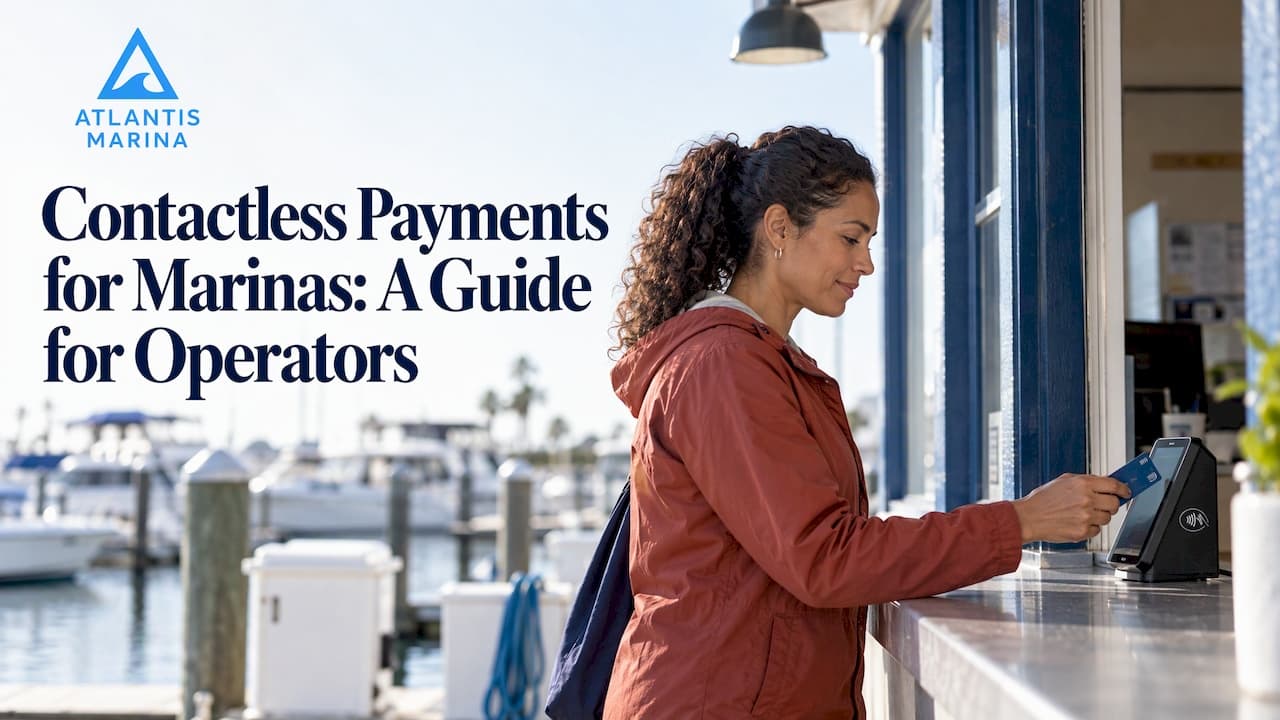
A marina can accept contactless payments anywhere staff can put a reader in front of a boater: the service desk, the fuel dock, the ship store counter or a slip across the property. The boater taps a card, phone or wearable, and the payment is attached to the right account. The hard parts are choosing hardware that survives a dock, keeping connectivity steady and making sure every tap lands on the correct contract, reservation or tab. This guide covers each of them.
TL;DR
- Contactless payments use short-range NFC. The card, phone or wearable is held about 1 to 2 inches from the reader, so a dockside payment takes seconds.
- Plan for the environment: weather-resistant readers, a reliable connection or a tested offline plan, and a reader positioned where boaters can reach it.
- Security rests on encryption, tokenization, device authentication and PCI DSS-aligned handling. Staff authentication and regular audits close the gaps.
- Tap payments work best when they feed the same system that holds contracts, balances and receipts, so nobody re-keys amounts at the end of the day.
- Check contactless limits and liability rules with your processor before you go live.
Table of Contents
- How contactless payments work
- Where contactless fits across a marina
- Equipment and connectivity
- Security: what operators should know
- Limits, liability and fees to check
- When a tap fails or the signal drops
- Operational benefits for marinas and boaters
- Our perspective
- A rollout plan you can finish in a season
- See how Atlantis handles marina payments
- FAQ
- Sources
How contactless payments work
A contactless payment moves card data wirelessly between a card, phone or wearable and a terminal. Visa describes the process as holding the card or device near the contactless symbol on the reader, typically within 1 to 2 inches, to start the transaction. In the U.S. this uses Near Field Communication (NFC), so there is no swipe, dip or manual entry of card numbers.
For a marina, three points matter more than the technology itself:
- The boater decides how to pay. A physical card, Apple Pay, Google Pay or a smartwatch all work through the same reader.
- The reader does not need to be handed over. Staff and boaters both keep their hands free, which helps when someone is holding a dock line, a fuel nozzle or a bag of ice.
- A tap is still a card payment. It carries the same fees, disputes and reconciliation steps as any other card transaction, so it has to be tied to a billing record.
If you want the broader picture of how payments flow from boater to bank account, our guide to marina payment processing for operators walks through it.
Where contactless fits across a marina
Most marinas have four or five places where money changes hands. Each has different needs.
| Service point | Typical transaction | What the reader setup needs |
|---|---|---|
| Office or service desk | Slip balances, seasonal invoices, service deposits | Countertop reader, steady wired or Wi-Fi connection |
| Fuel dock | Fuel, pump-out, ice | Weather-resistant reader, mobile data backup |
| Ship store | Retail items, apparel, supplies | POS-integrated reader with inventory sync |
| Dockside | Transient stays, late fees, balances due | Handheld or smartphone reader, strong cellular signal |
| Events and service calls | Event tickets, haul-out, off-site work | Portable reader with a charged battery and a hotspot |
The pattern is simple: counters can use fixed equipment, while docks and off-site work need mobile readers. Our ship store POS software is built for the counter case, and the guide to card-present marina payments covers how a card presented at the dock gets attached to a contract installment, invoice or reservation balance.
Equipment and connectivity
Readers, tablets and phones
You have three realistic hardware options: a dedicated mobile reader, a tablet with a reader attached, or a smartphone. Modern phones can accept contactless payments through built-in NFC without an external reader, as Stripe explains for mobile businesses. That makes a phone a practical backup device for a dockmaster on a golf cart. A dedicated reader is usually the better primary device for a fuel dock, because it is built for repeated use and weather.

Placement
Reader position affects how often a tap fails. Mastercard's contactless guidance for acquirers says readers should face the consumer, be switched on and ready, and sit away from electrical equipment and metal objects. On a marina that means thinking twice before mounting a reader on a steel fuel dispenser or next to a battery charger. Test the spot with a card and two or three phones before you commit to it.
The dock is a hard environment
Sun glare, salt air, rain and spotty signal are normal on the water. Choose readers rated for outdoor use, keep spare batteries charged and give every mobile device a protective case. Decide in advance which connection each service point uses: office Wi-Fi, a cellular hotspot or a device with mobile data. Walk the whole property with a test device and note every dead zone before staff meet one in front of a customer.
Security: what operators should know
Boaters often ask whether tapping is safe. The answer is yes, when the whole chain is handled properly.
- Encryption and tokenization. Chase explains that contactless transactions encrypt transmitted data and use tokenization, which replaces sensitive card details with one-time codes.
- Device-level authentication. The Consumer Financial Protection Bureau notes that mobile wallets add protection through biometrics such as fingerprint or face recognition, along with tokenization that limits exposure of the actual card number.
- Chip-level security. Mastercard says contactless payments are very similar to contact-chip payments in functionality and security, and both are protected by EMV security.
On the operator side, the work is mostly discipline. Require staff to sign in on every device, lock phones and tablets, use strong passwords with two-factor authentication, and review transaction and device activity on a regular schedule. Stripe also recommends locking mobile devices and using two-factor authentication on payment accounts. Keep PCI DSS scope as small as you can by letting your payment processor handle card data instead of storing it yourself. Our guide to dockside PCI compliance controls lays out the practical steps, and stopping marina payment fraud with EMV 3DS, tokenization and QR-linked receipts covers the fraud side.
Limits, liability and fees to check
Contactless payments usually skip a PIN or signature on lower-value purchases, but that has a ceiling. Mastercard's toolkit says the cardholder verification limit varies by country, that verification is required above it, and that a merchant is liable for transactions above the limit processed without verification. In practice your processor and terminal handle this: a tap above the limit prompts for a PIN or a device unlock. Staff should know the prompt is normal and not a fault.
Before going live, ask your processor for these in writing:
- Per-transaction rates for card-present and keyed payments
- Any extra fees for mobile readers
- How disputes and chargebacks are handled
- The schedule for payouts to your bank account
- How offline transactions are treated, if the device supports them
Our platform charges a fee on digital payments processed through it; the current schedule is on the pricing page, so check it there rather than relying on a figure in an article.
When a tap fails or the signal drops
Every marina will meet both situations, so write the response down once and post it at each service point.
If the tap does not register, staff can work through a short sequence:
- Ask the boater to try again and hold the card or device flat near the reader symbol.
- Check that the reader is awake and shows a live connection.
- Try a different card or device.
- Offer another payment method, such as insert-the-chip, a saved card or an invoice link.
This follows the basic troubleshooting approach in Swan's guidance for in-person card payments. If a card is declined, the boater should use another method or contact their bank. Staff should never guess at the reason.
If the connection drops, remember that some payment devices need an internet connection through Wi-Fi, Ethernet or mobile data. Some eligible setups can store offline payments and upload them after reconnecting, as Square's support documentation describes. The catch is that the merchant carries the risk: an offline payment can later be declined, expire or be disputed, and it has to be uploaded within a set deadline. Use offline modes only when your processor confirms your setup is eligible, cap the amounts you take that way, and review declined payments the moment connectivity returns. A second SIM or a hotspot on a different carrier is often a cheaper fix than relying on offline mode at all.
Operational benefits for marinas and boaters
The value of contactless is less about the tap and more about what happens around it.
- Shorter lines at the fuel dock and store. A tap is faster than handling cash or a signature slip, which frees staff for other work in the busiest hours.
- Fewer cash handling tasks. Less cash on the property means fewer deposits, fewer counting errors and less to secure. Our guide to going cashless covers how to make that move without frustrating boaters who prefer cash.
- Cleaner records. When the payment lands on the right reservation, contract installment or ship store ticket, month-end reconciliation gets much quicker.
- Payment on the boater's terms. Many boaters already carry a phone or watch wallet. Accepting taps meets them where they are.
- Less rekeying. Every amount typed by hand is a chance for an error. Linking the reader to your management system removes that step.
Tap payments also pair well with the other digital tools boaters use. Someone who taps to settle a balance at the dock can also pay and manage their account in the Atlantis Boater App, and recurring slip fees can run on marina autopay or card on file so fewer balances need collecting in person.
Our perspective
Most marinas we talk to do not have a payments problem. They have a disconnection problem. The reader at the fuel dock says one thing, the spreadsheet in the office says another, and somebody spends Monday morning making them agree.
That is why we build payments inside the same system that holds slips, contracts, vessel records, ship store sales and boater accounts. Our platform supports Stripe and ACH processing, autopay, Instant Pay, refunds and adjustments, and QuickBooks Online sync, so a payment is billed, collected and booked without manual entry.
For us, contactless is one more way a boater can pay into that single record. The tap should not create more work for your staff. It should clear a balance, update the account and send the receipt, whether it happens at the office, the ship store or the end of a dock.
If you are choosing between adding another standalone reader and modernizing how payments connect to operations, start with the connection. The hardware is easy to swap later. A clean record is much harder to rebuild.
John R
A rollout plan you can finish in a season
- Map your service points. List every place money changes hands and who handles it.
- Survey connectivity. Walk the property with a test device and mark the weak spots.
- Pick hardware by location. Fixed readers for counters, rugged mobile readers for the fuel dock and docks, phones as backups.
- Confirm limits and fees. Get the processor's answers to the questions above in writing.
- Set staff rules. Individual sign-ins, locked devices, a printed failed-tap procedure and a clear offline policy.
- Run a pilot. Start with one dock or one counter for a few weeks and track failed taps, declines and reconciliation time.
- Tell your boaters. Post signs at each reader, mention tap-to-pay in email and SMS updates and show boaters where their receipts will arrive.
The same logic applies if your marina also runs smart equipment. A fuel pump, a camera or a lift controller is far more useful when its activity and charges sit next to your payment records, which is the idea behind our smart boat lift control and marina camera security solutions.
See how Atlantis handles marina payments
Atlantis Marina brings reservations, billing, payments, boater self-service and ship store POS into one cloud platform for marinas, yacht clubs, dry stack operators and multi-property groups. Plans on the pricing page start at $150 per month for Micro, $300 for Small, $500 for Medium and $900 for Large, with Enterprise available on request. Setup is a one-off fee of $100 to $1,000.

If you want to see how payments, contracts and boater accounts work together, explore marina management software from Atlantis or watch the product walkthrough videos.
FAQ
Do boaters need a special card to pay contactless?
No. Any card with the contactless symbol works, as do phones and wearables set up with a mobile wallet. The boater holds the card or device about 1 to 2 inches from the reader, and the payment is sent wirelessly.
Is tap-to-pay safe for a marina to accept?
Yes, when it is set up properly. Transmitted data is encrypted, tokenization keeps real card numbers out of the transaction, and mobile wallets add biometric or passcode checks. Your part is using tamper-resistant readers, staff sign-ins and regular activity reviews.
Can I take contactless payments on a phone at the dock?
In many cases, yes. Modern smartphones with NFC can accept taps through a payment app without an extra reader. A phone needs a connection and a lock screen, so keep a hotspot or a rugged reader as a backup for weak-signal docks.
What happens if a contactless payment is declined?
Have the boater try again, check the reader and connection, then try another card or method. If the card is still declined, the boater should contact their bank. Staff should not speculate about the cause.
Does contactless replace autopay and card on file?
No, they serve different moments. Taps suit in-person purchases and balances collected at the dock, while autopay and card on file handle recurring slip and storage fees without anyone chasing a payment.
Sources
- Tap to Pay: Learn About Contactless Payments (Visa)
- Contactless Toolkit for Acquirers (Mastercard)
- 5 Things to Know About Contactless Payments (Chase)
- Big Tech's Role in Contactless Payments (Consumer Financial Protection Bureau)
- How to set up a payment on the go (Stripe)
- Troubleshooting in-person card payments (Swan Support)
- Process offline payments (Square Support Center)